Wireless CarPlay Android Auto Screen for Car, 7″ HD Touch Screen for Apple
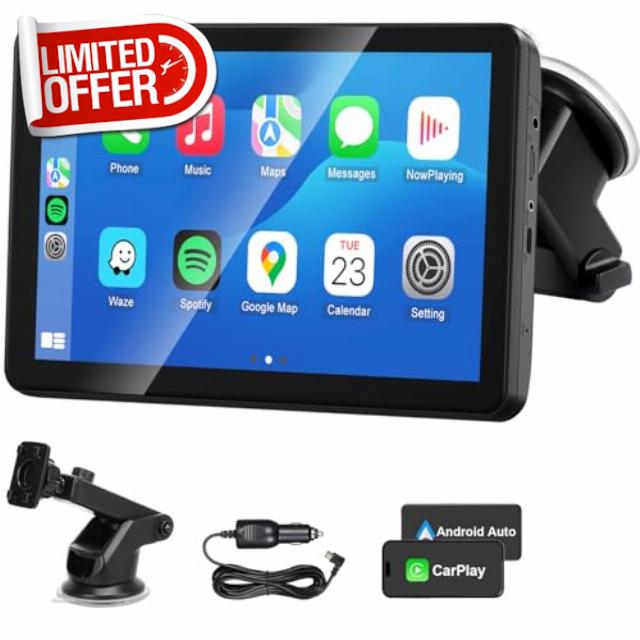
Wireless CarPlay Android Auto Screen for Car, 7″ HD Touch Screen for Apple CarPlay Car Stereo Portable Live Navigation Mirror Link Music Video Player Siri/AirPlay/AUX
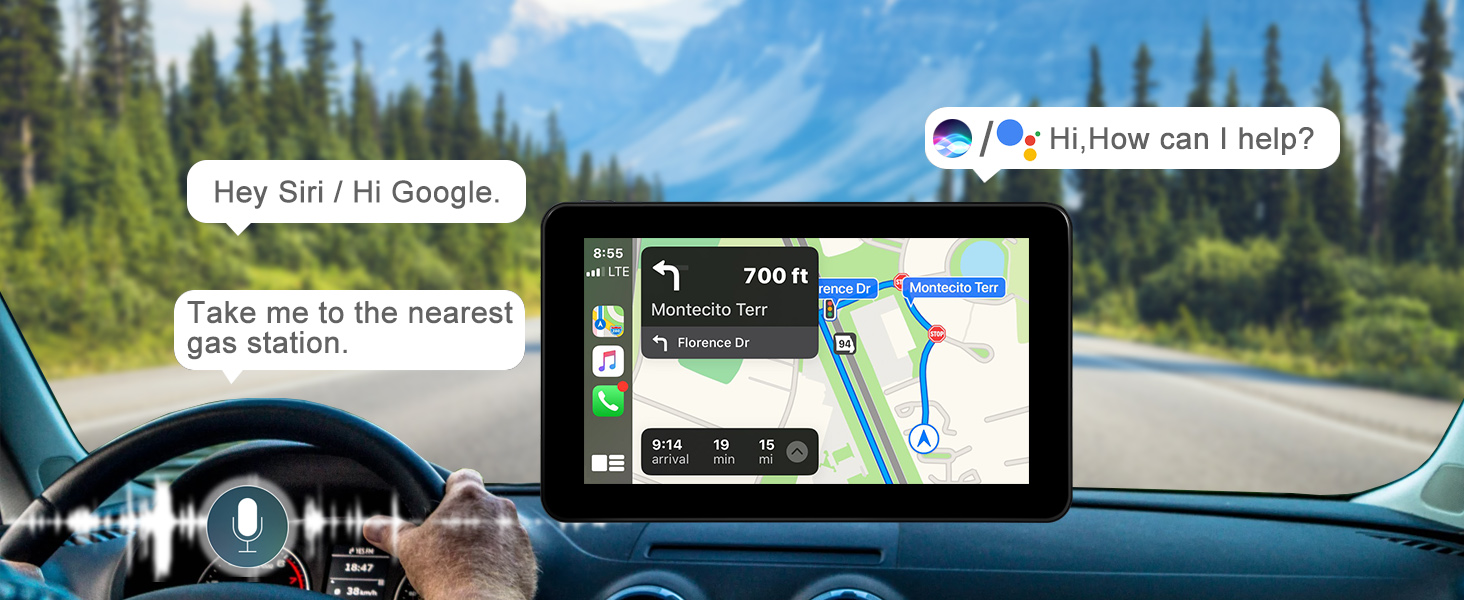
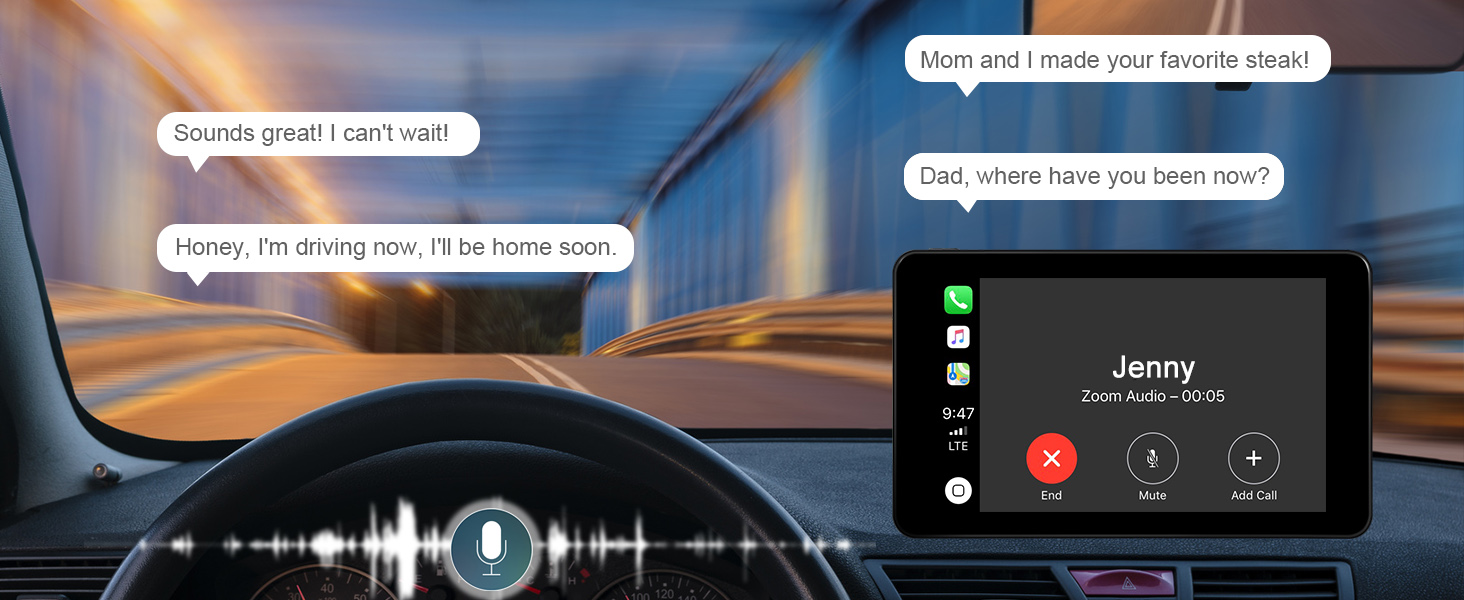
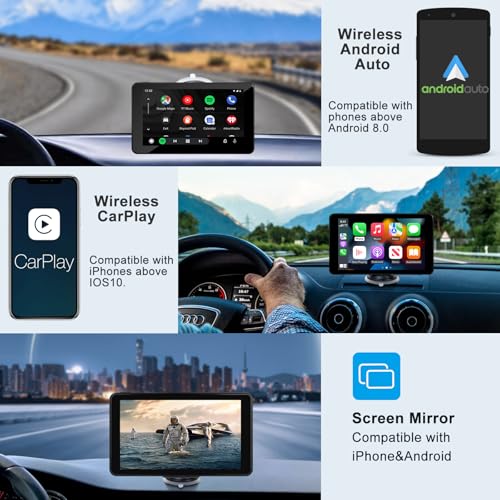
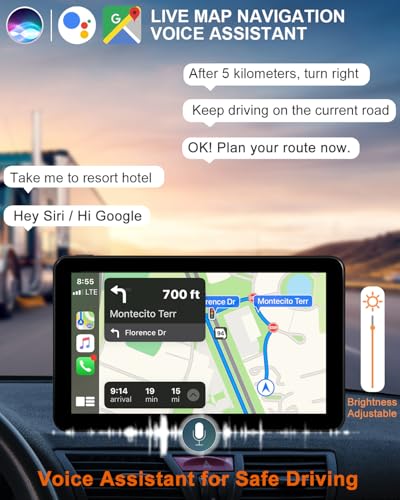
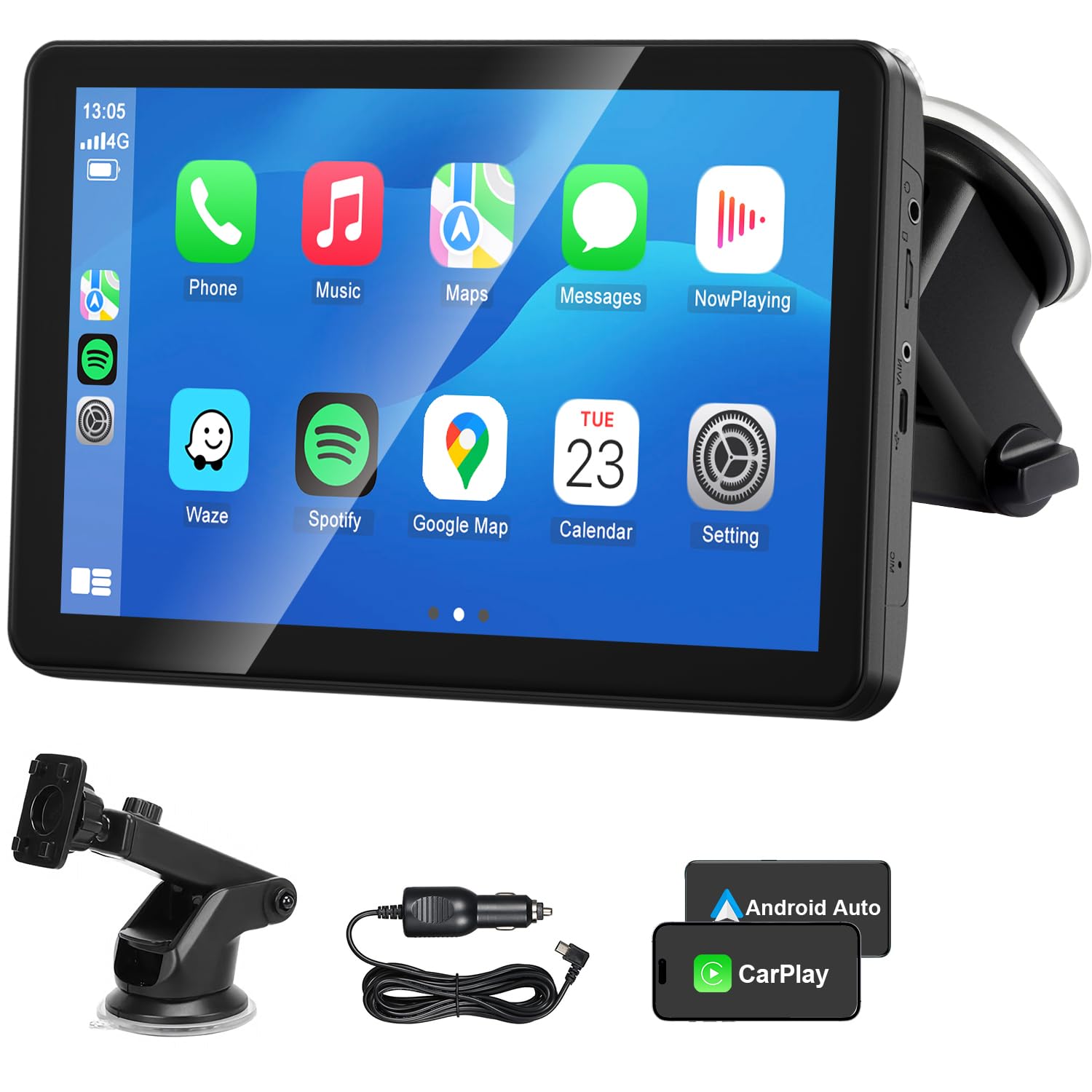
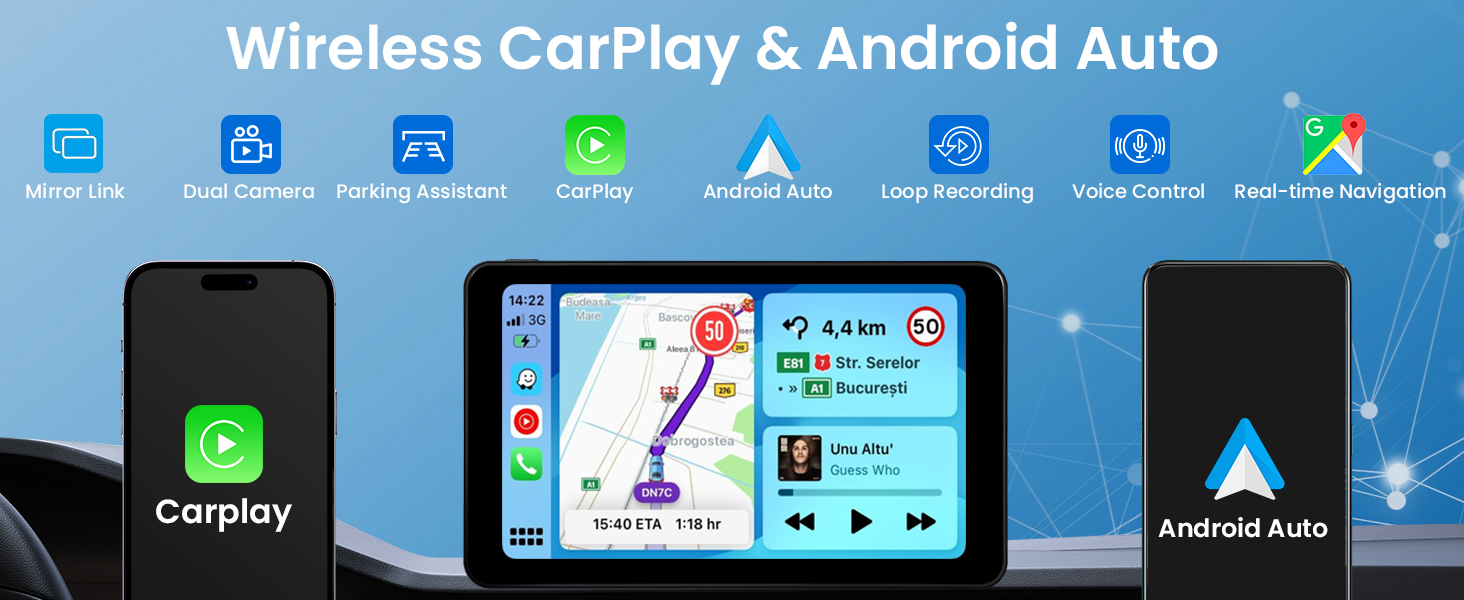
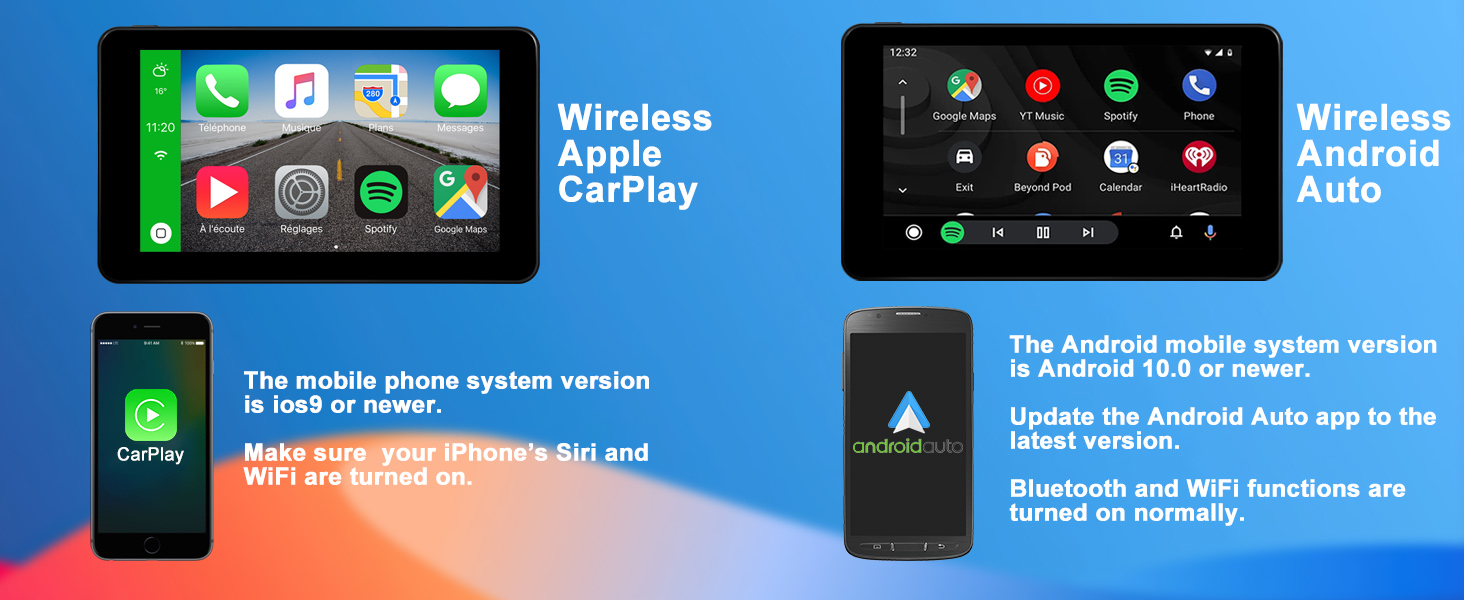
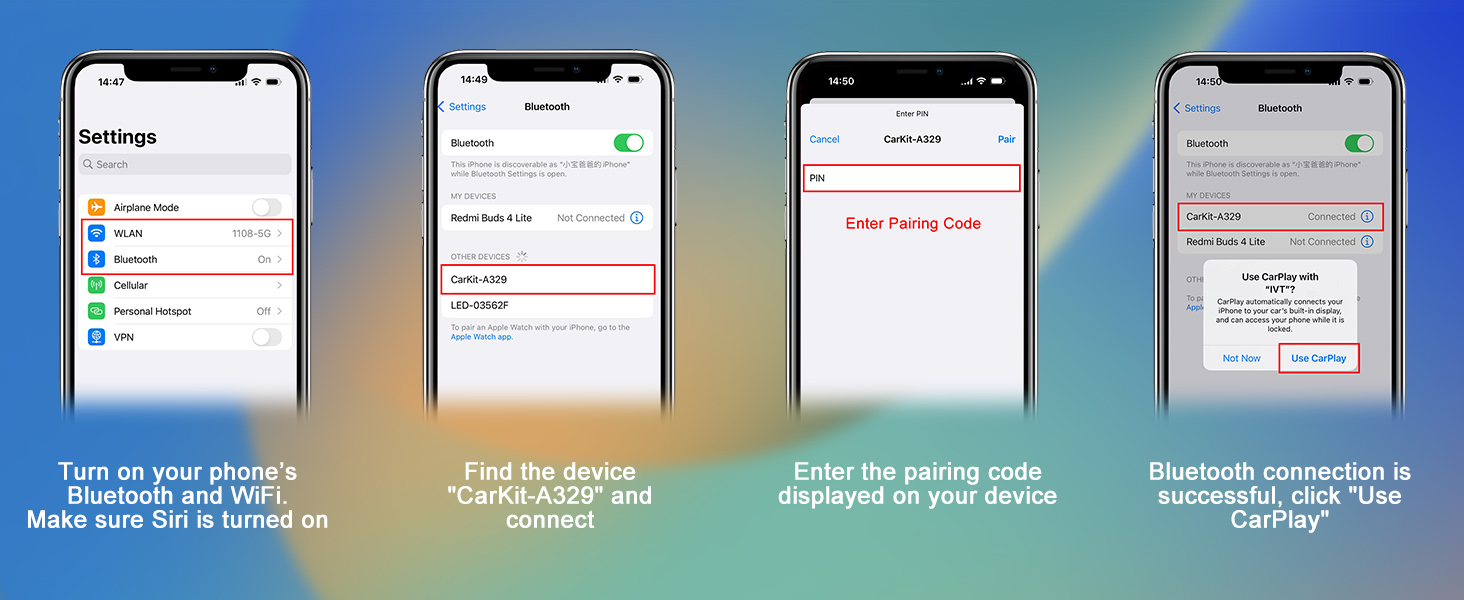
- 【Wireless CarPlay & Android Auto】Compatible with iPhone and Android, wireless CarPlay/Android/Screen Mirroring can be easily realized through Bluetooth and WiFi connections. Supports Siri and Android voice assistants. Equip your car with the latest intelligent multimedia system.
- 【Real-time GPS Navigation】By connecting CarPlay and Android Auto, you can easily use various smart GPS navigation software on your device. Provide you with real-time traffic conditions and accurate positioning. It also supports Siri and Android smart voice assistants.
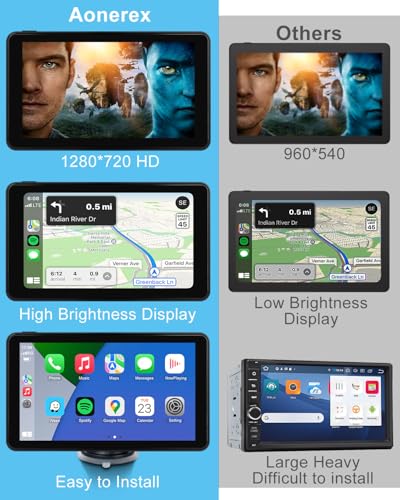
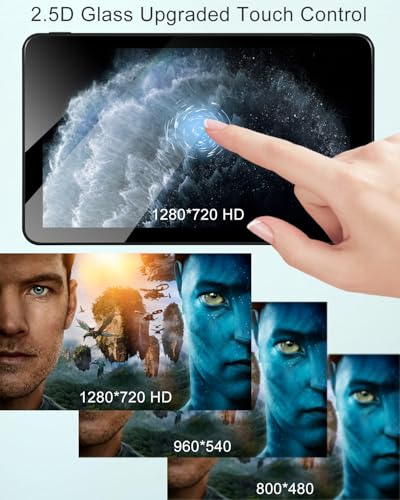
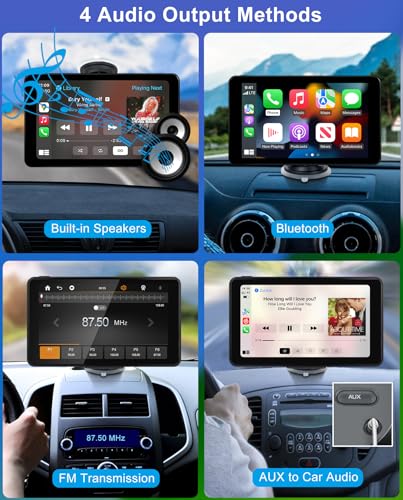
- 【Powerful Audio and Video】1280*600 HD touch display brings you more stunning visual effects than mobile phones. Built-in stereo speakers. At the same time, you can connect to your car audio through Bluetooth, FM and AUX cables to bring a better music playback experience.
- 【Install on Any Vehicle】The wireless CarPlay Android Auto screen is compatible with all 12-24V car power supplies. Fits almost all types of vehicles including RVs, pickups, trucks and more. The package provides two mounting brackets, a base bracket and a suction cup bracket.
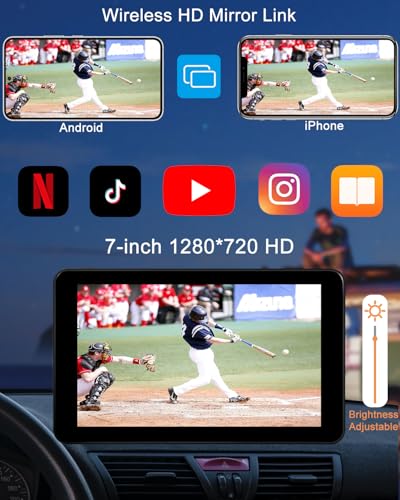
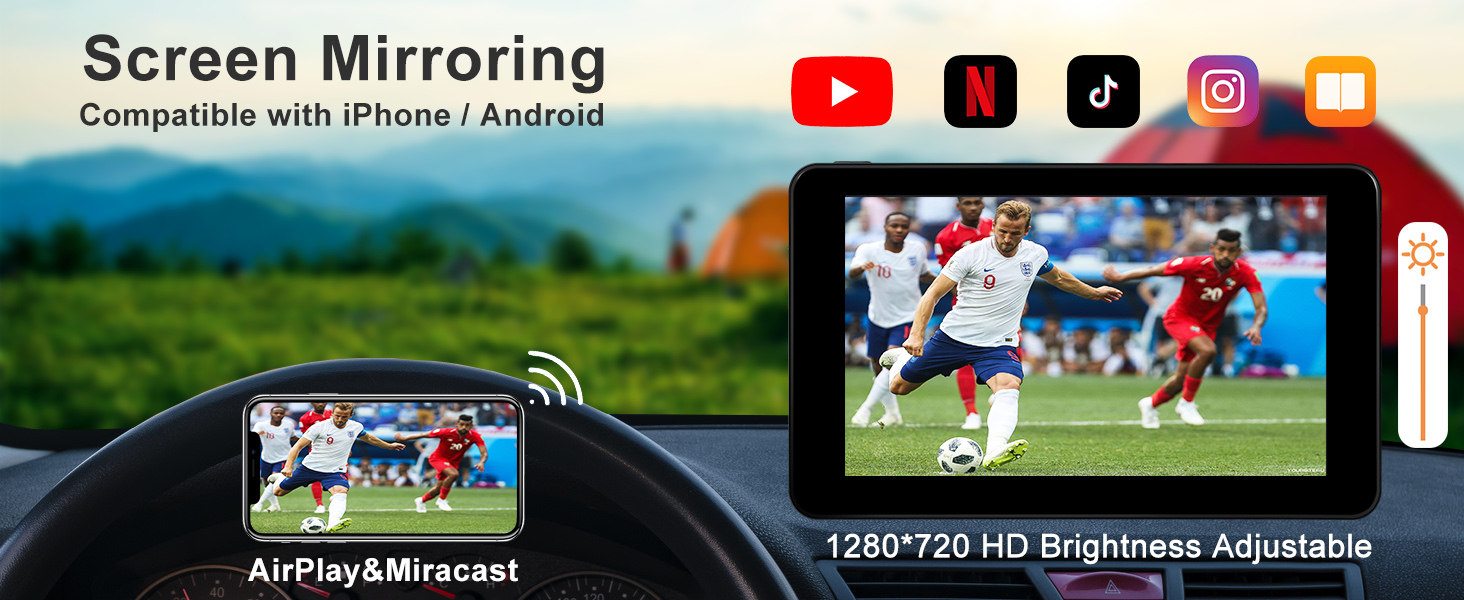
- 【iPhone&Android Mirror Link】The Aonerex wireless CarPlay Android Auto screen uses the latest motherboard and control chip and is compatible with the screen mirroring functions of iPhone and Android. You can cast your mobile phone screen to a 7-inch large screen to watch your favorite videos and football and basketball games, and enjoy a better audio-visual feast.
- Please Note: Please connect the device using the original car charger included in the package. For the safety of using the car and to prevent the battery from getting hot due to direct sunlight inside the vehicle, the device does not have a built-in battery.
What is the function of the round red gasket?
When the desktop of your car is not stable enough, you can tear off the red adhesive tape and then install the gasket on the car desktop first. The suction cup can then be installed on the circular gasket.
How is audio transmitted to a car?
Connect the car directly through the AUX line. Or turn on the FM of the car and the device and adjust it to the same frequency band to transmit audio. Or connect to the car audio system via the Bluetooth of your mobile phone.
Is there a radio app available on CarPlay?
The FM on the device is used to connect with the car to transmit audio signals. If you need a radio, you can download it from the mobile app store. Then there will also be this application in CarPlay.
What issues should be noted when using it for the first time?
Please connect the device using the original car charger in the package. For the safety of using the car and to prevent the battery from getting hot due to direct sunlight inside the vehicle, the device does not have a built-in battery.
-

- Wireless CarPlay Android Auto Screen for Car
-
- 7″ HD Touch Screen for Apple CarPlay Car Stereo Portable Live Navigation Mirror Link Music Video Player Siri/AirPlay/AUX
| SKU: | B0D9VQBNCM |
| Weight: | 500 Grams |
| Size: | 7 Inches |
| Brand: | Aonerex |
| Model: | b5cb3c7f-2867-4858-a3c2-f0dedb964b71 |
| Batteries Included: | No |
| Manufacture: | Aonerex |
| Origin: | China |
| Size: | 7 Inches |
Product Description
What is the function of the round red gasket?
When the desktop of your car is not stable enough, you can tear off the red adhesive tape and then install the gasket on the car desktop first. The suction cup can then be installed on the circular gasket.
How is audio transmitted to a car?
Connect the car directly through the AUX line. Or turn on the FM of the car and the device and adjust it to the same frequency band to transmit audio. Or connect to the car audio system via the Bluetooth of your mobile phone.
Is there a radio app available on CarPlay?
The FM on the device is used to connect with the car to transmit audio signals. If you need a radio, you can download it from the mobile app store. Then there will also be this application in CarPlay.
What issues should be noted when using it for the first time?
Please connect the device using the original car charger in the package. For the safety of using the car and to prevent the battery from getting hot due to direct sunlight inside the vehicle, the device does not have a built-in battery.
I recently bought an aftermarket Android Auto/CarPlay head unit and I’m genuinely impressed. The price was incredibly reasonable, yet the performance feels anything but “budget.” Setup was straightforward, the interface is smooth and responsive, and both Android Auto and CarPlay connect without any fuss.
The biggest surprise has been the audio quality — it’s noticeably clearer, louder, and richer than the original unit in my car. For the cost, the overall value is outstanding. If you’re thinking about upgrading your setup without breaking the bank, this is absolutely worth every penny.
Really Impressed
I’m amazed this works so well! Was easy to install, sat nav is great & very clear. Streams music & phone calls connect seamlessly fitted in my old van that only has a radio
Device works perfectly with my car and phone. Only issue I have is that the device mount won’t lock it in position so it swings constantly when driving which is very distracting.
I bought this for my daughter. It was very easy to set up and easy to use in another if needed.We took it on holiday and used it in a hire car. It was easy to connect to the phone and the car. Brilliant for playing music and also using as a navigation aid.
Excellent bit of kit, simple to setup and use. It took me 5 minutes to get it up and running with no issues connecting to my iPhone 13. It actually took me longer to get the base to sit on my dash as it’s slightly covered. A dab of superglue got that sorted. If your phone screen isn’t big enough when driving I’d highly recommend one of these tablets. Cheap too.