Ottocast Mini Tube 2026 Version Wireless CarPlay & Android Auto Adapter, Wired
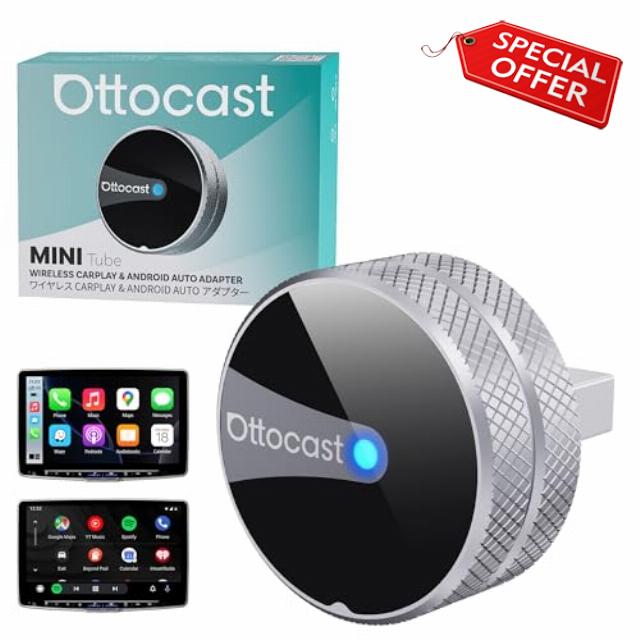
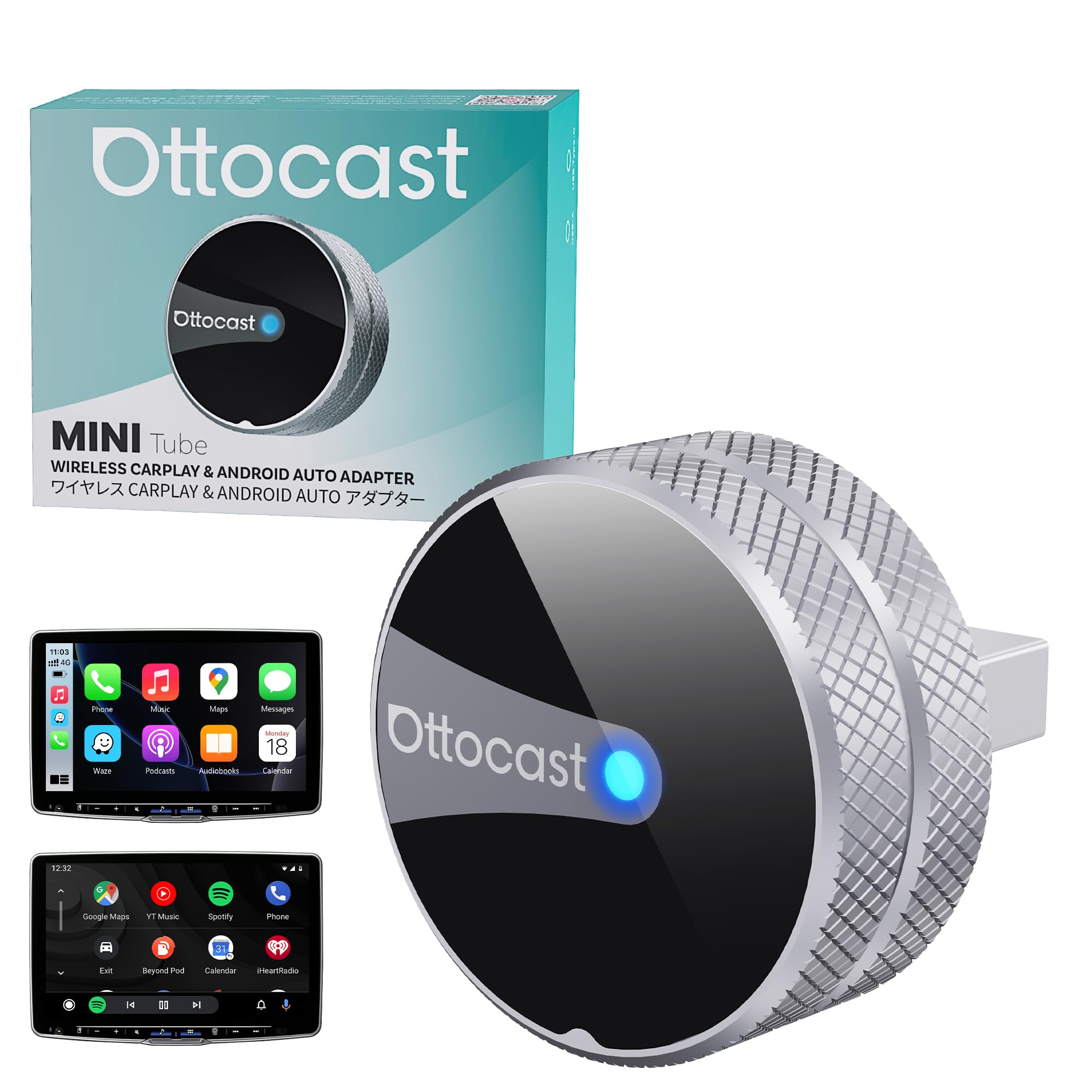
Ottocast Mini Tube 2026 Version Wireless CarPlay & Android Auto Adapter, Wired to Wireless Converter, Plug & Play, Fast Reconnect, for Vehicles with Built-in Wired CarPlay or Android Auto
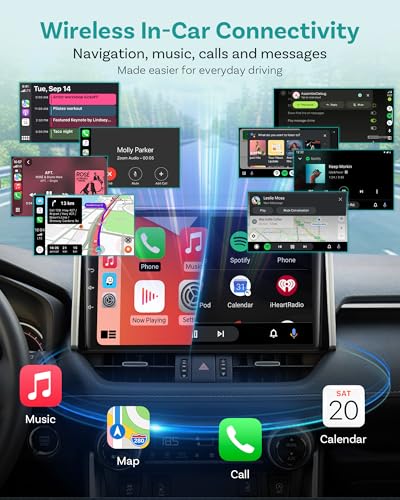
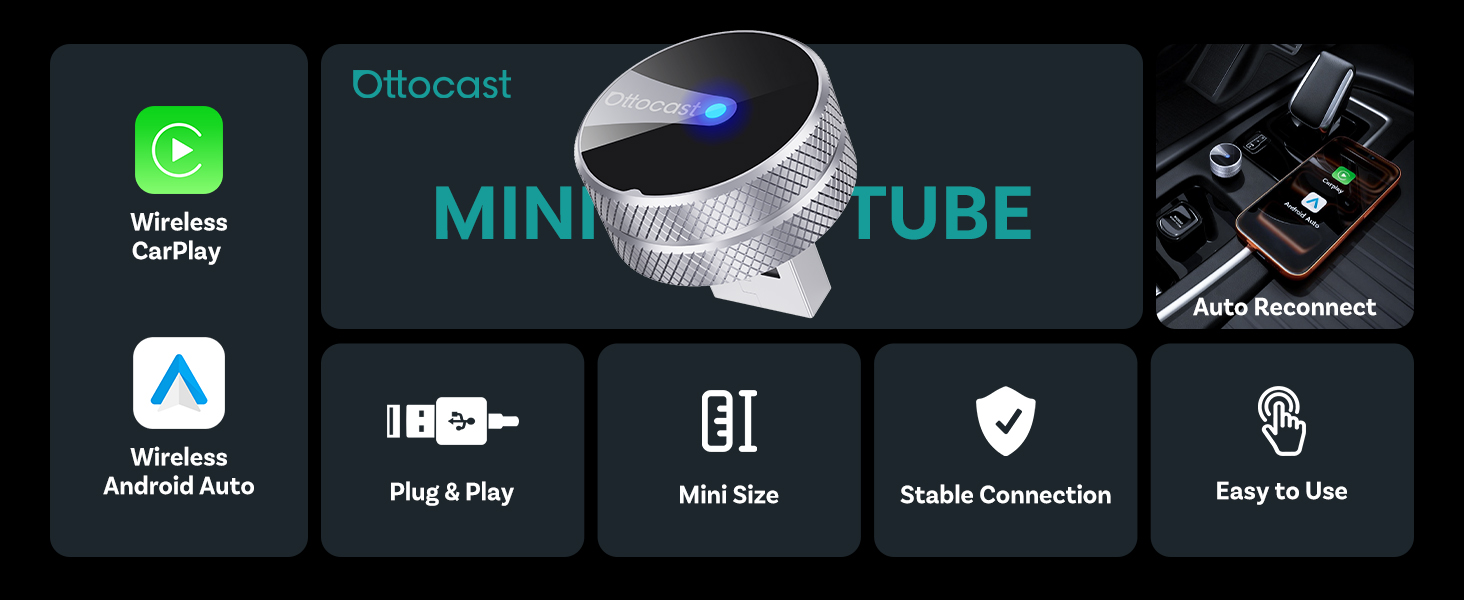
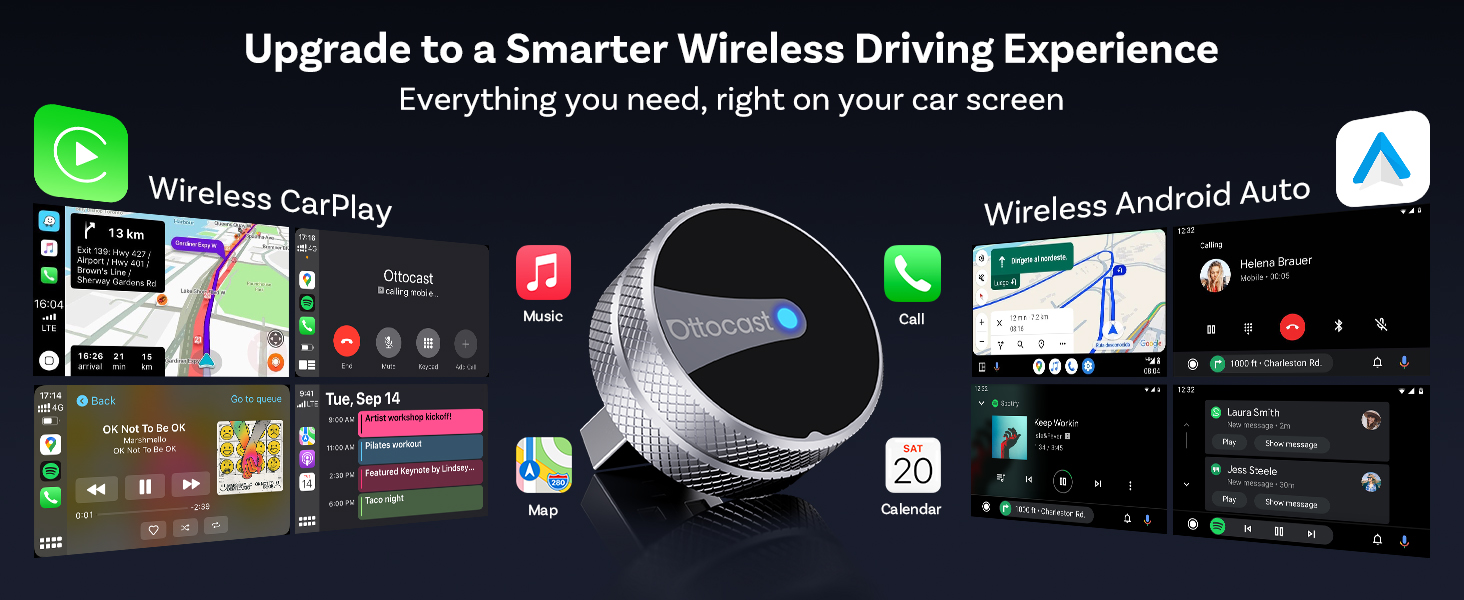
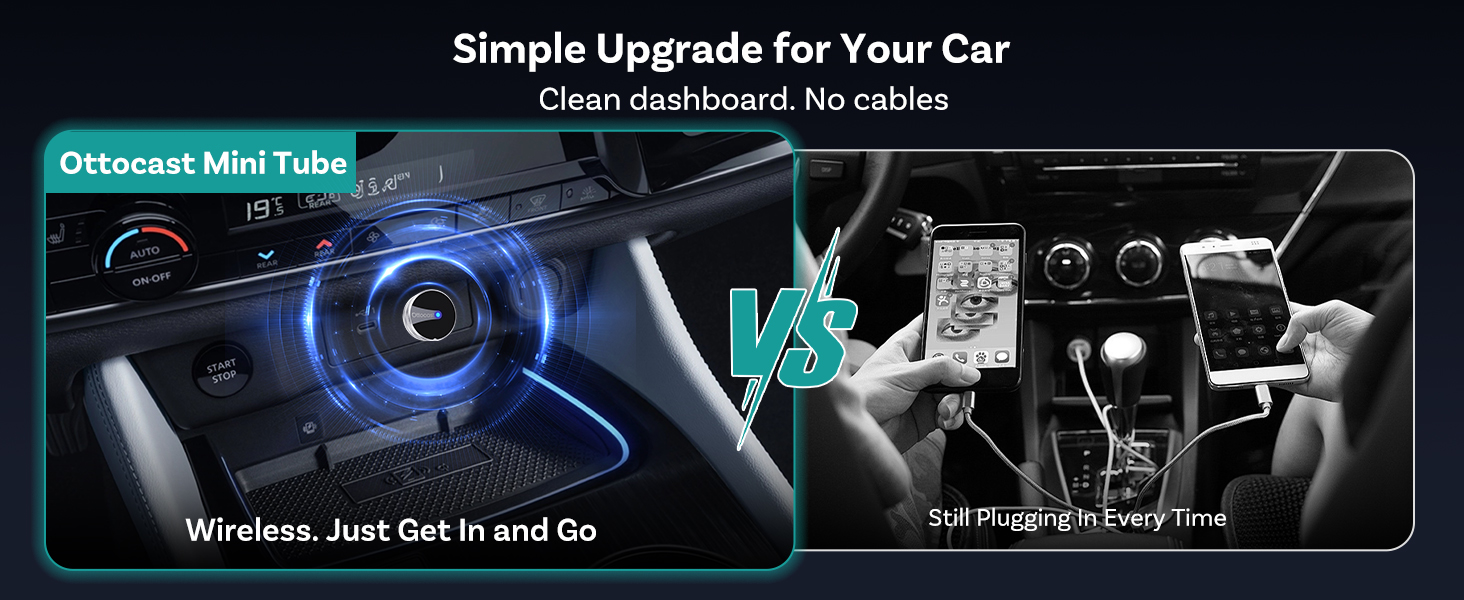
- 【Wired to Wireless Upgrade】Designed for vehicles with built-in wired CarPlay or Android Auto, this adapter converts your system to wireless CarPlay or wireless Android Auto for cable-free driving.
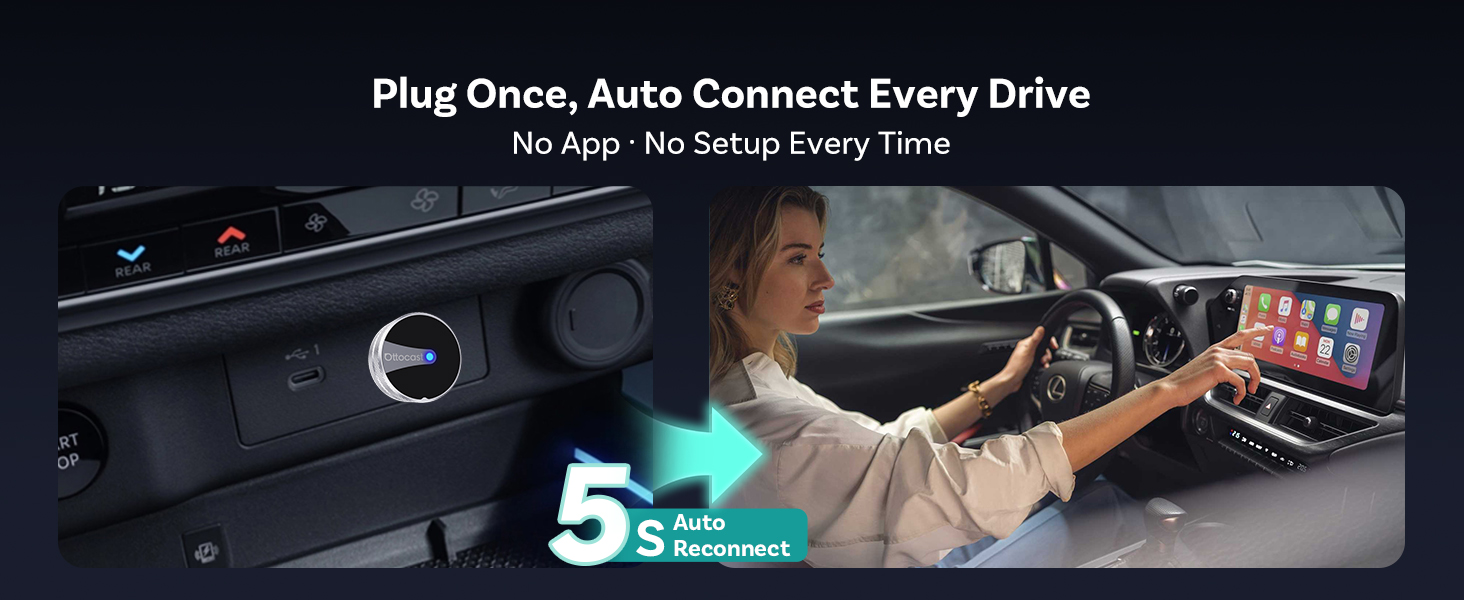
- 【Plug & Play Setup】Simply connect to your car’s USB port. After the first pairing, the adapter reconnects automatically in around 10 seconds with no apps required.
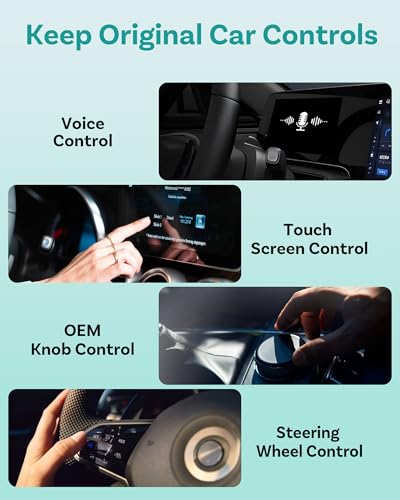
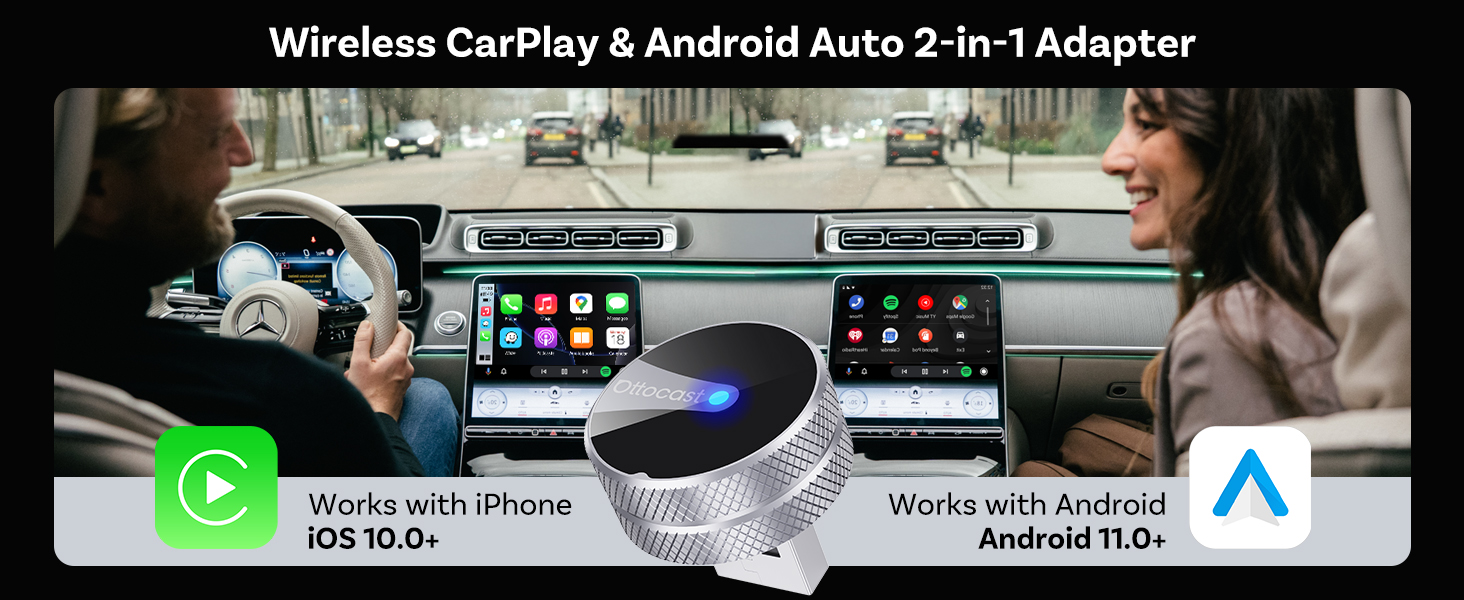
- 【Dual-Mode Compatibility】Supports CarPlay-to-CarPlay and Android Auto-to-Android Auto, automatically recognising your phone system for stable performance.
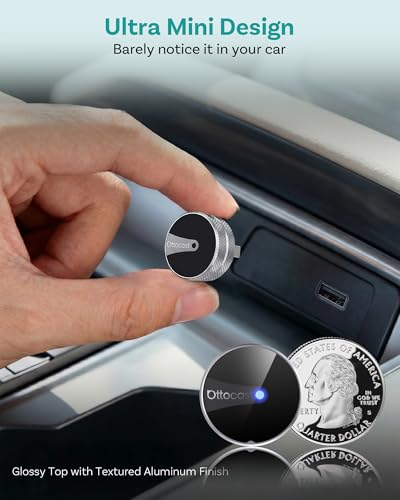
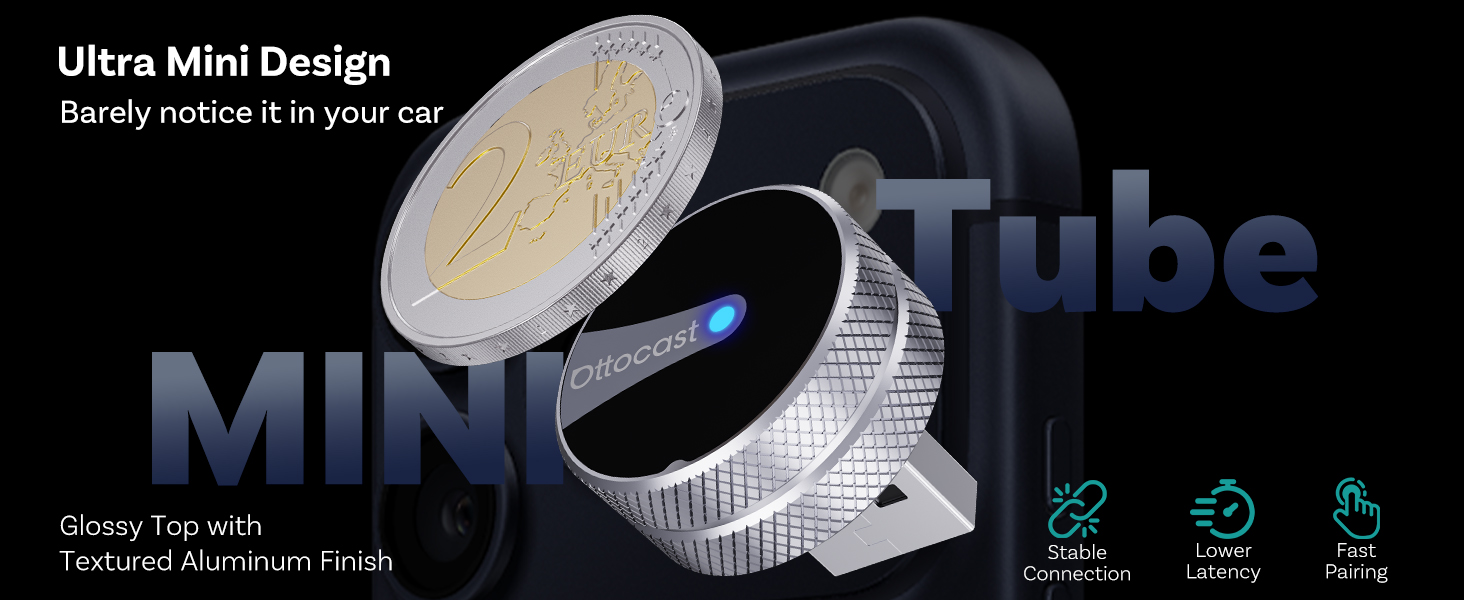
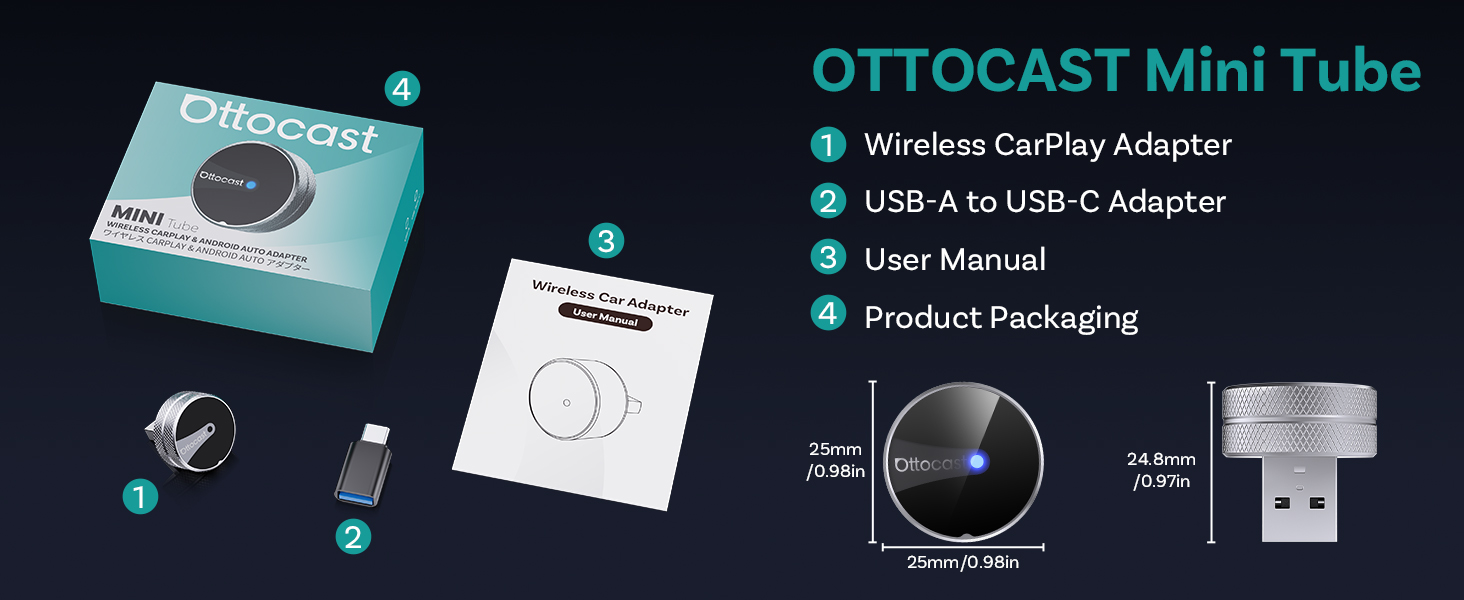
- 【Compact Mini Tube Design】Ultra-small cylindrical body (25×25×24.8 mm, 10.2 g) stays discreet inside your car without blocking other ports.
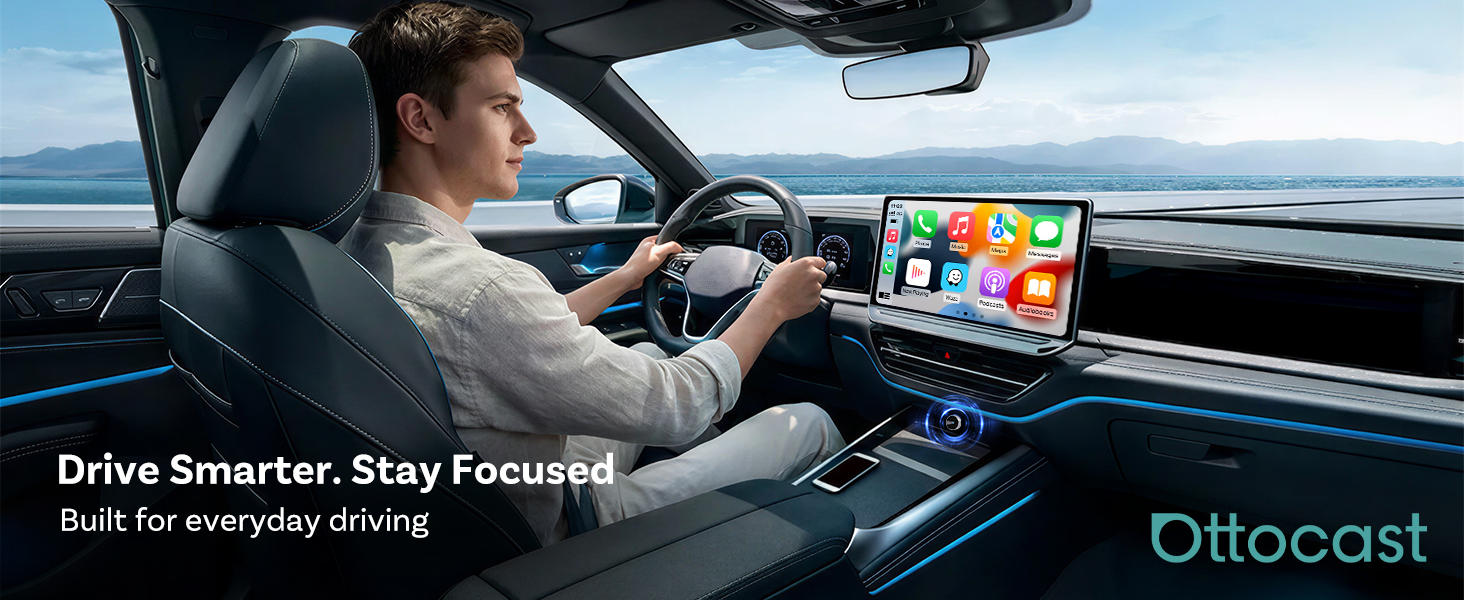
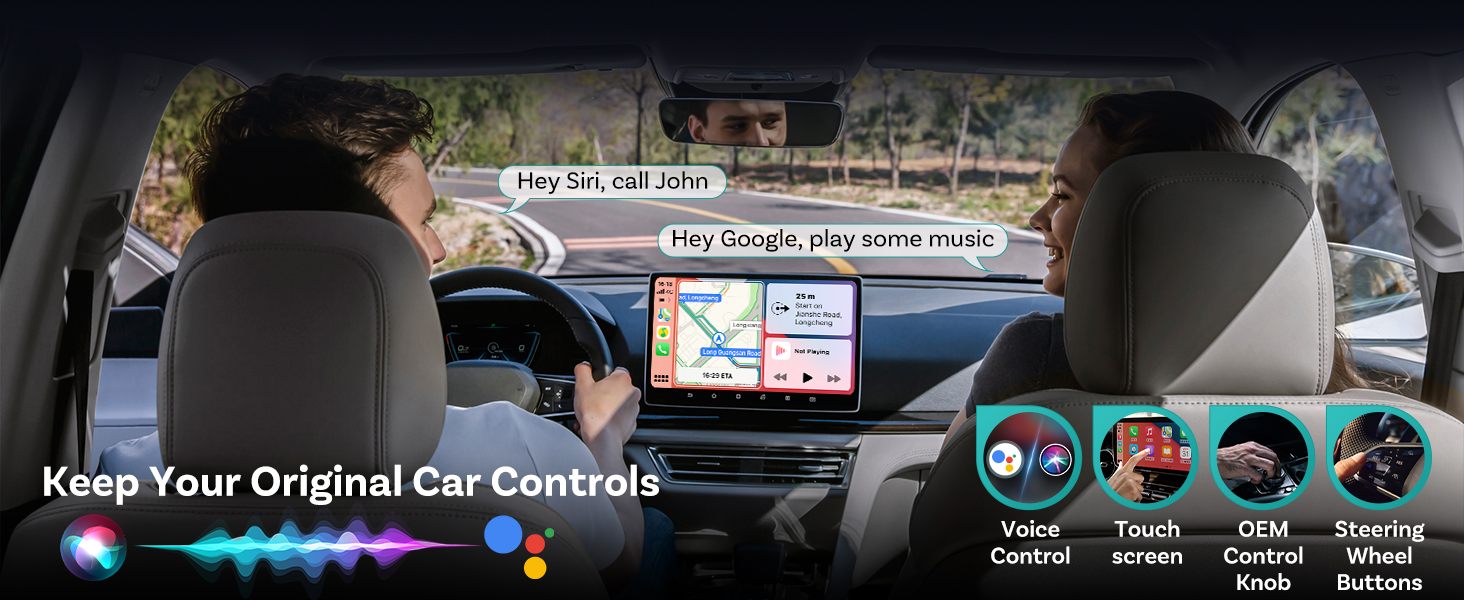
- 【Stable Wireless Experience】Enjoy smooth navigation, music streaming, calls and messaging during daily commutes or long journeys.
Is the Ottocast Mini Tube compatible with my car?
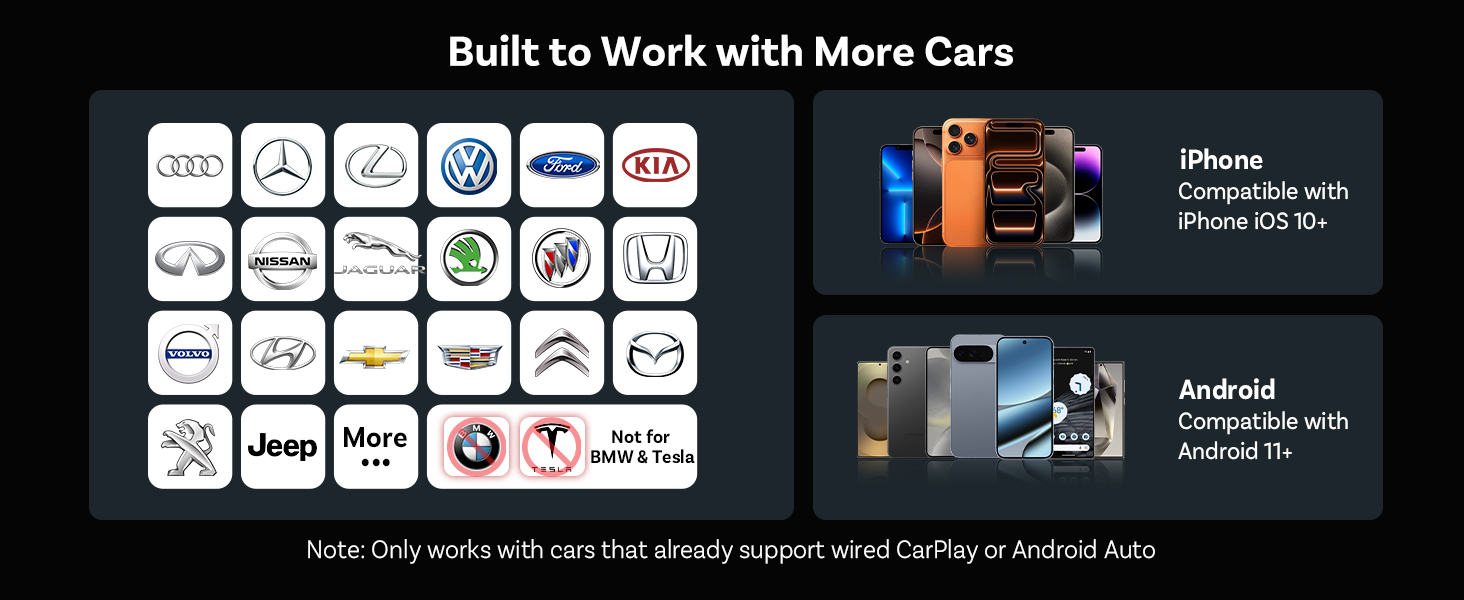
The adapter works with vehicles that support factory wired CarPlay or Android Auto.
It converts Wired CarPlay → Wireless CarPlay, or Wired Android Auto → Wireless Android Auto.
To ensure compatibility, consider checking based on your vehicle model.
How can I check if my car supports wired CarPlay or Android Auto?
1. Connect your phone to the car using a USB cable.
2. If CarPlay or Android Auto launches automatically on the screen, your car supports wired CP/AA.
3. If nothing appears, your system may not be compatible
Is it compatible with both iPhone and Android phones?
Yes.
iPhones (iOS 10 or later) work with Apple CarPlay
Android phones (Android 11 or later) work with Android Auto
How do I set it up for the first time?
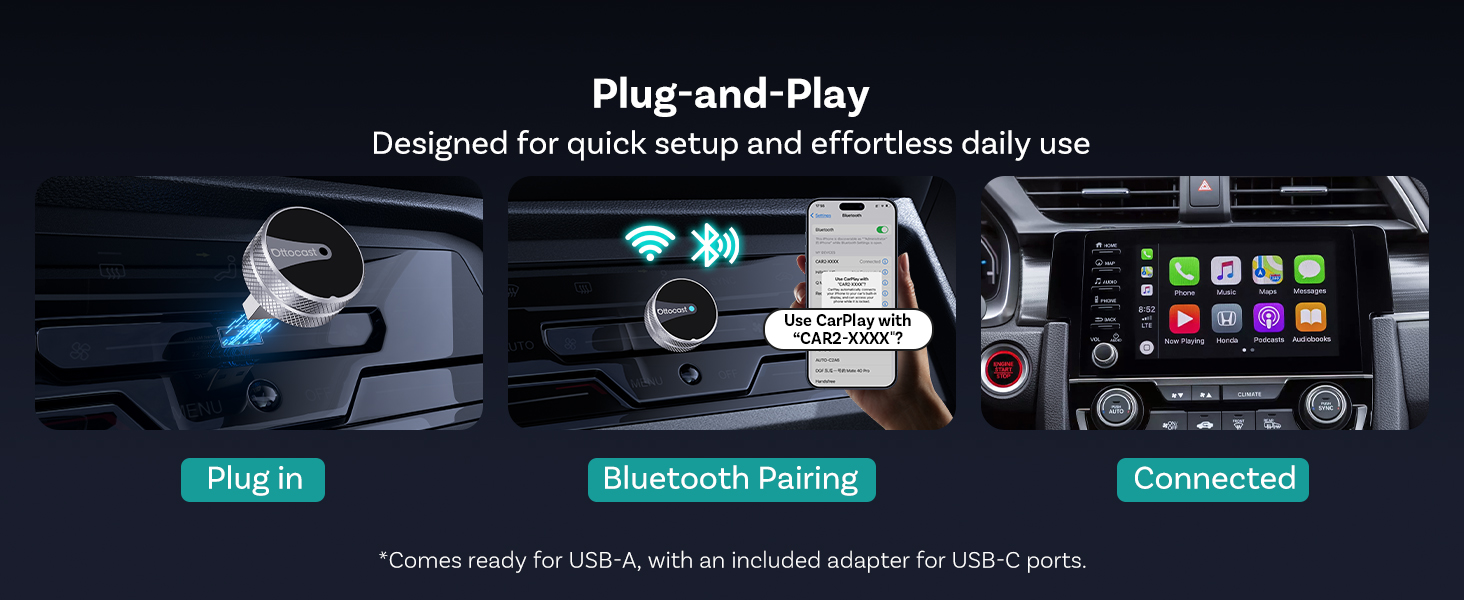
1. Plug the Mini Tube into your car’s USB port
2. Turn on Bluetooth and WiFi on your phone
3. Pair once following the on-screen instructions
After that, it will auto-connect within about 10 seconds every time you start the car.
Does it reconnect automatically and stay stable?
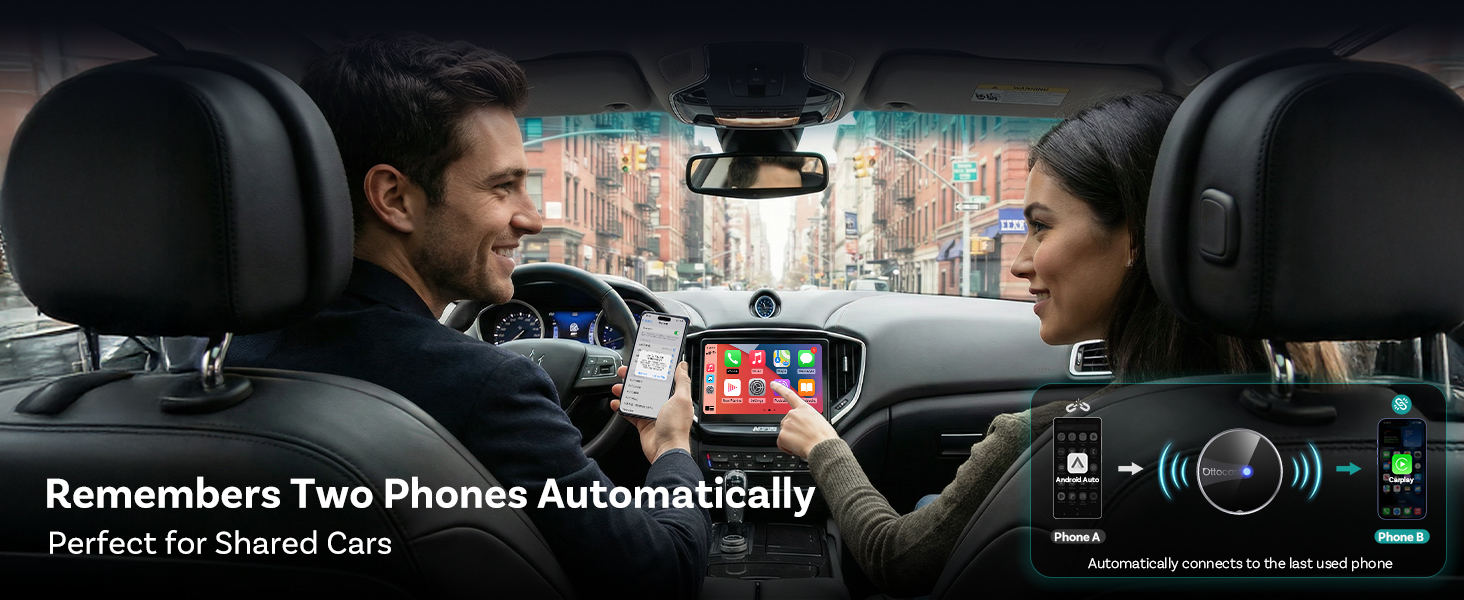
Yes. Ottocast Mini Tube remembers up to two paired devices and reconnects automatically.
With dual-band WiFi (2.4GHz & 5GHz) and Bluetooth 4.2, it provides a fast and stable connection for daily driving.
-

- Ottocast Mini Tube 2026 Version Wireless CarPlay & Android Auto Adapter
-
- Wired to Wireless Converter
-
- Plug & Play
-
- Fast Reconnect
| SKU: | B0GC5BPNX5 |
| Dimensions: | 2.5 x 2.5 x 2.5 cm; 6.4 g |
| Model: | CP88-T4 |
| Manufacture: | OTTOCAST |
Product Description


Is the Ottocast Mini Tube compatible with my car?
The adapter works with vehicles that support factory wired CarPlay or Android Auto.
It converts Wired CarPlay → Wireless CarPlay, or Wired Android Auto → Wireless Android Auto.
To ensure compatibility, consider checking based on your vehicle model.
How can I check if my car supports wired CarPlay or Android Auto?
1. Connect your phone to the car using a USB cable.
2. If CarPlay or Android Auto launches automatically on the screen, your car supports wired CP/AA.
3. If nothing appears, your system may not be compatible
Is it compatible with both iPhone and Android phones?
Yes.
iPhones (iOS 10 or later) work with Apple CarPlay
Android phones (Android 11 or later) work with Android Auto
How do I set it up for the first time?
1. Plug the Mini Tube into your car’s USB port
2. Turn on Bluetooth and WiFi on your phone
3. Pair once following the on-screen instructions
After that, it will auto-connect within about 10 seconds every time you start the car.
Does it reconnect automatically and stay stable?
Yes. Ottocast Mini Tube remembers up to two paired devices and reconnects automatically.
With dual-band WiFi (2.4GHz & 5GHz) and Bluetooth 4.2, it provides a fast and stable connection for daily driving.