Carplay Screen for Car, 9.26″ Portable Car Stereo with Wireless Apple
Carplay Screen for Car
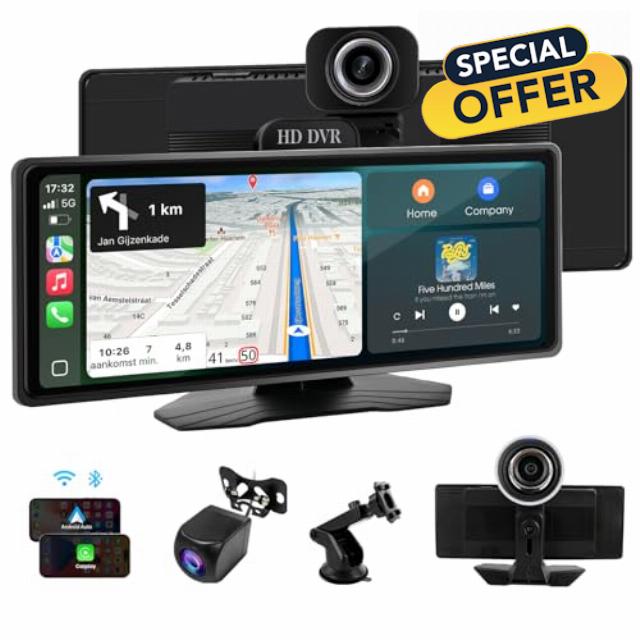
Carplay Screen for Car, 9.26″ Portable Car Stereo with Wireless Apple Carplay&Android Auto, 1080p Front Camera & Rear Camera, Bluetooth, Voice Control, GPS Navigation, AUX & FM Transmitte
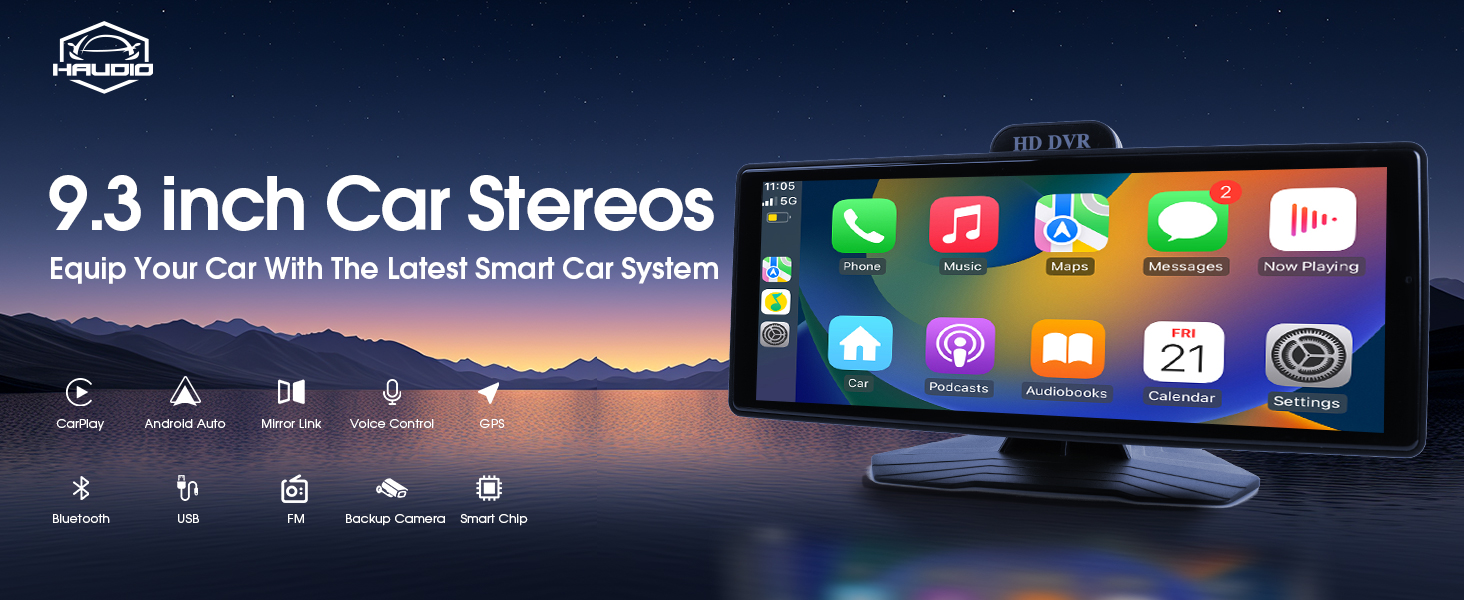
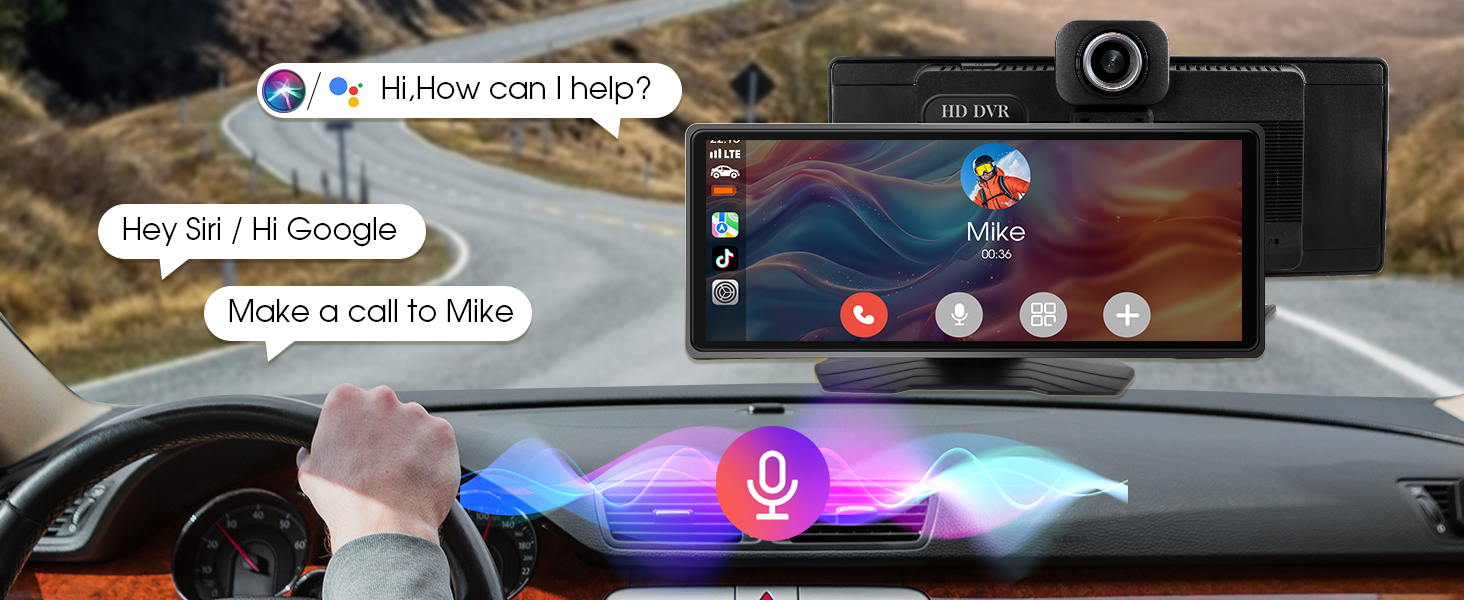
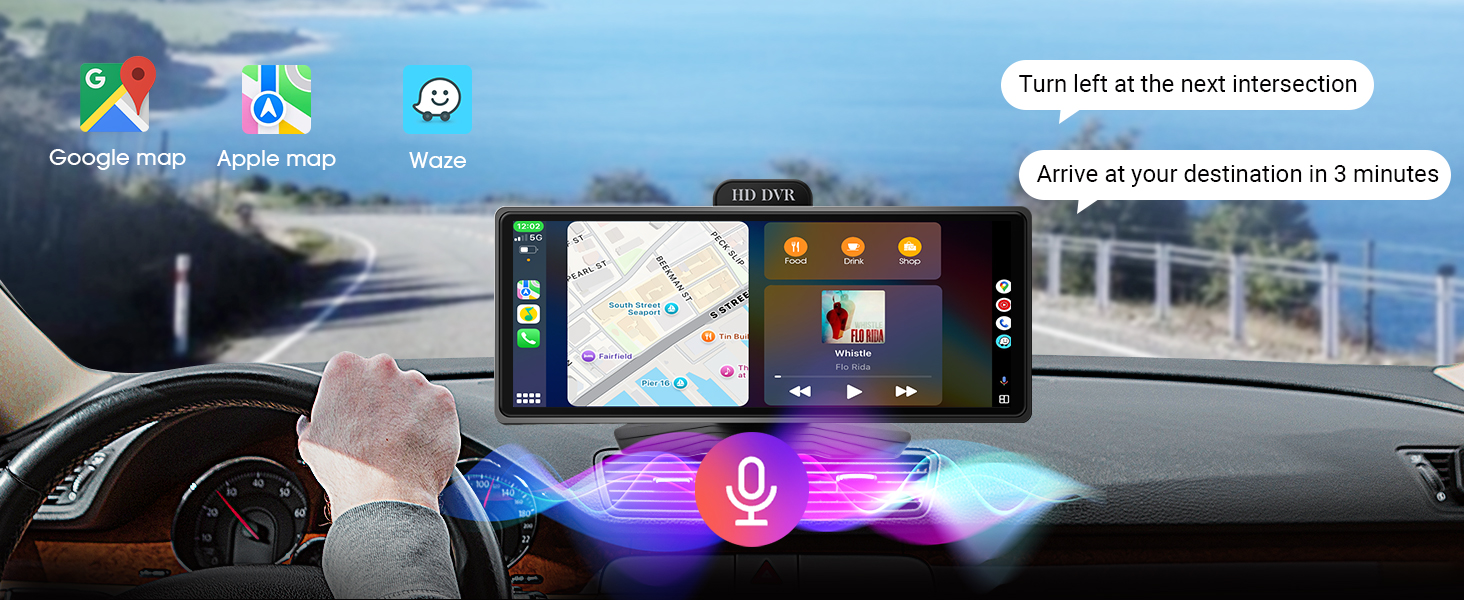
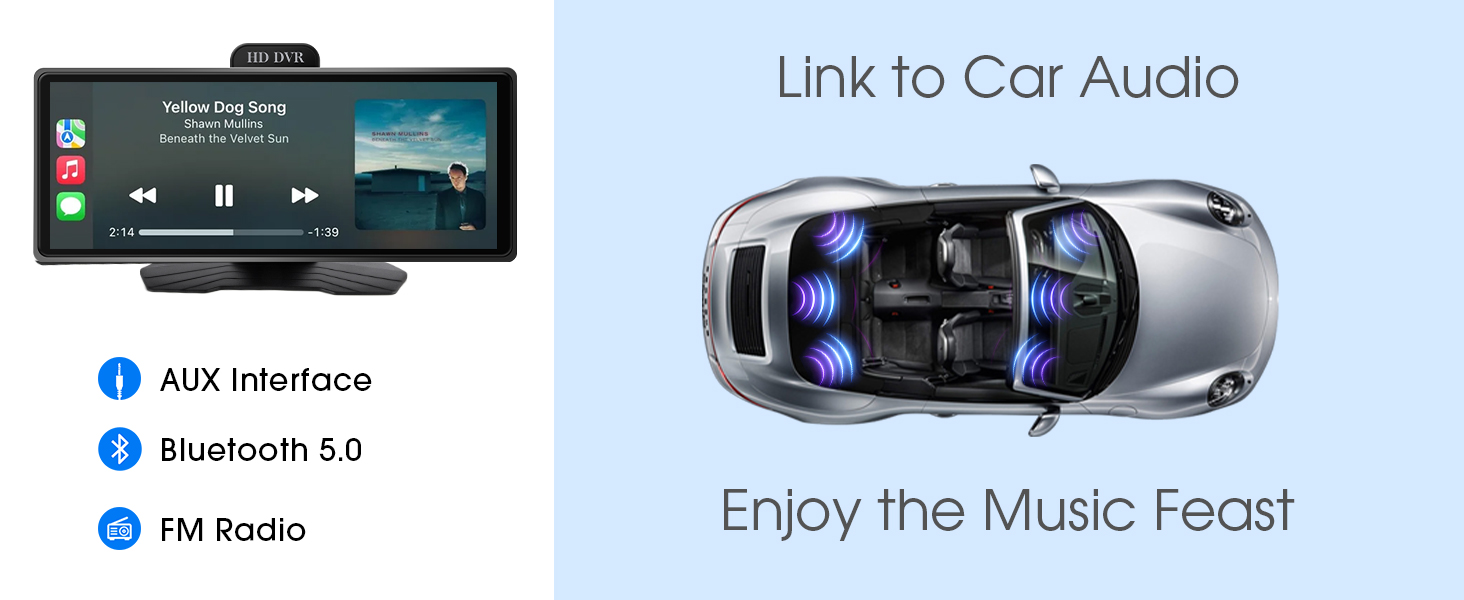
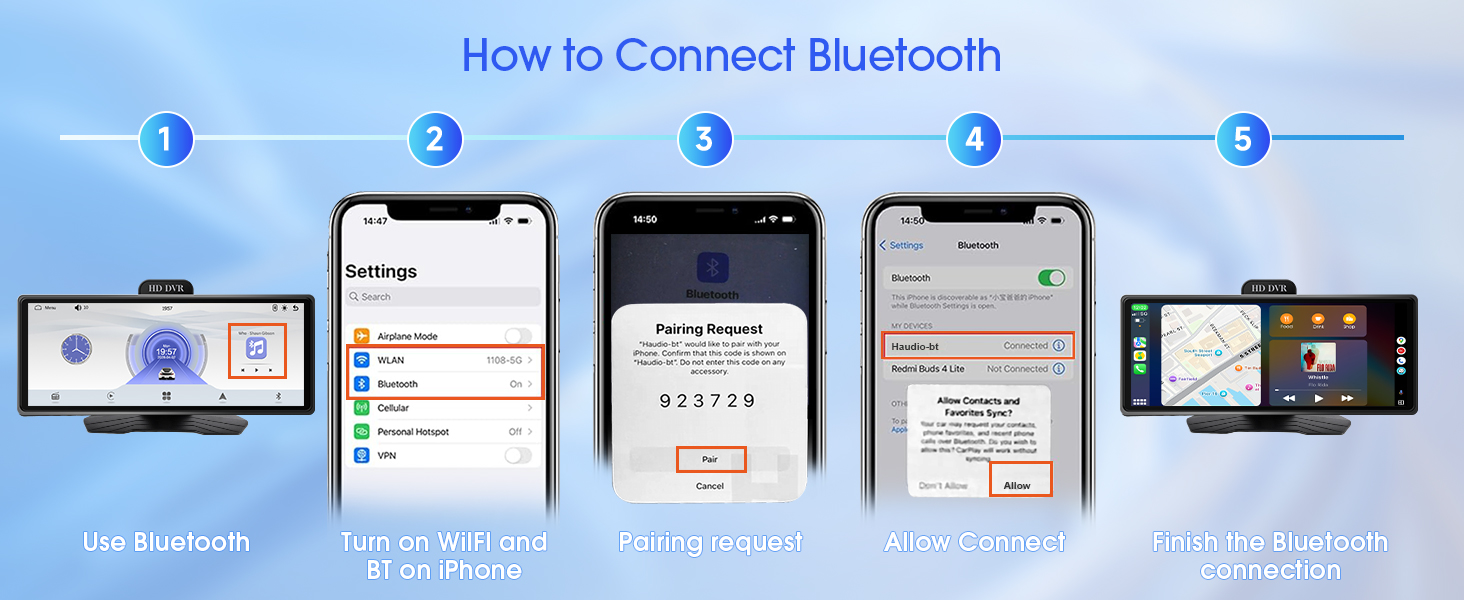
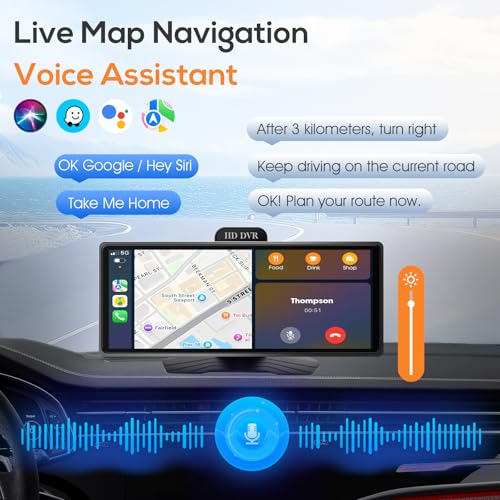
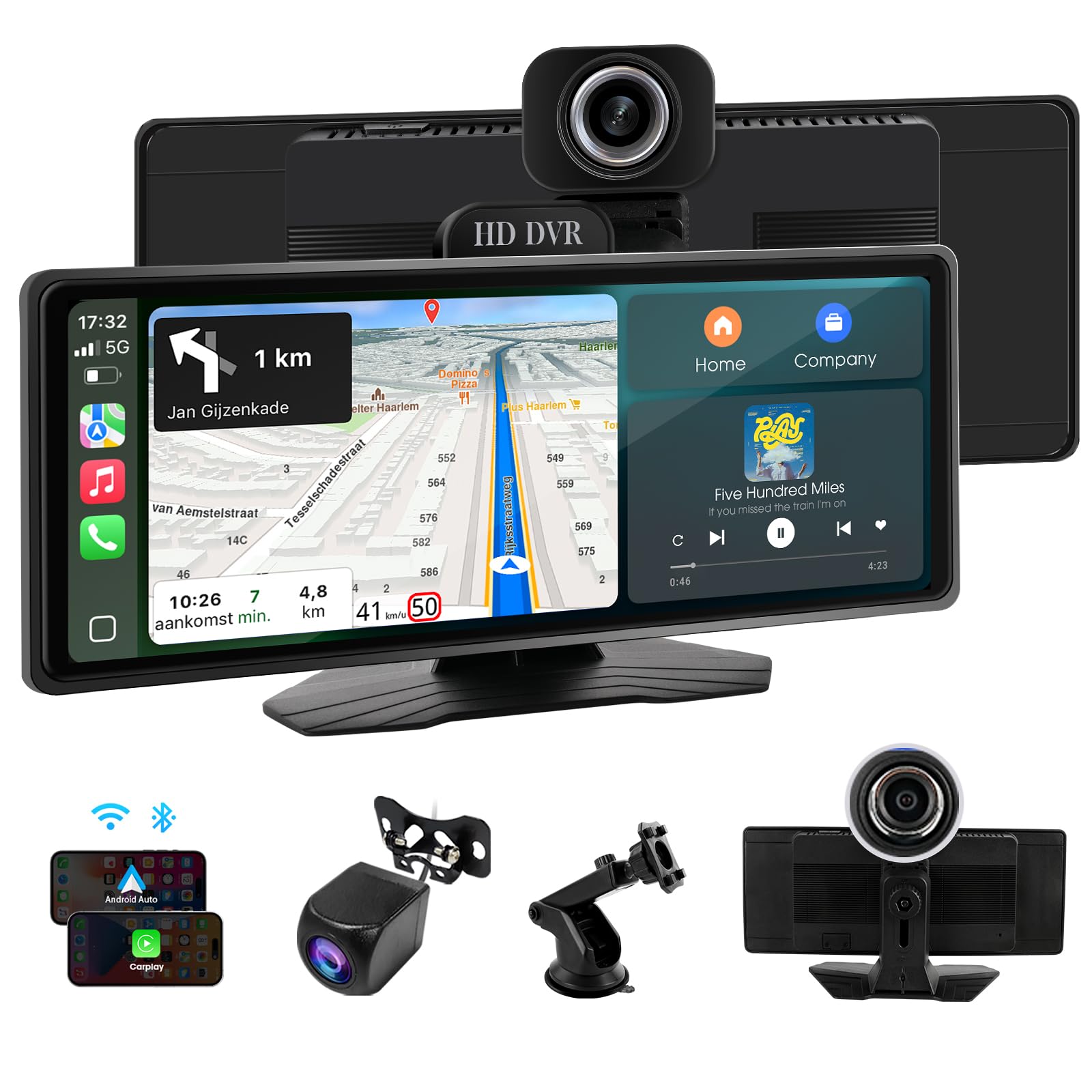
- 【Seamless Wireless Connectivity】Enjoy wireless CarPlay and Android Auto without messy cables! Stream music, navigate with Google Maps/Waze, and make calls hands-free. BT 5.0 ensures stable connections for calls and audio. Voice control with "Hi Siri" or "OK Google" keeps your eyes on the road.
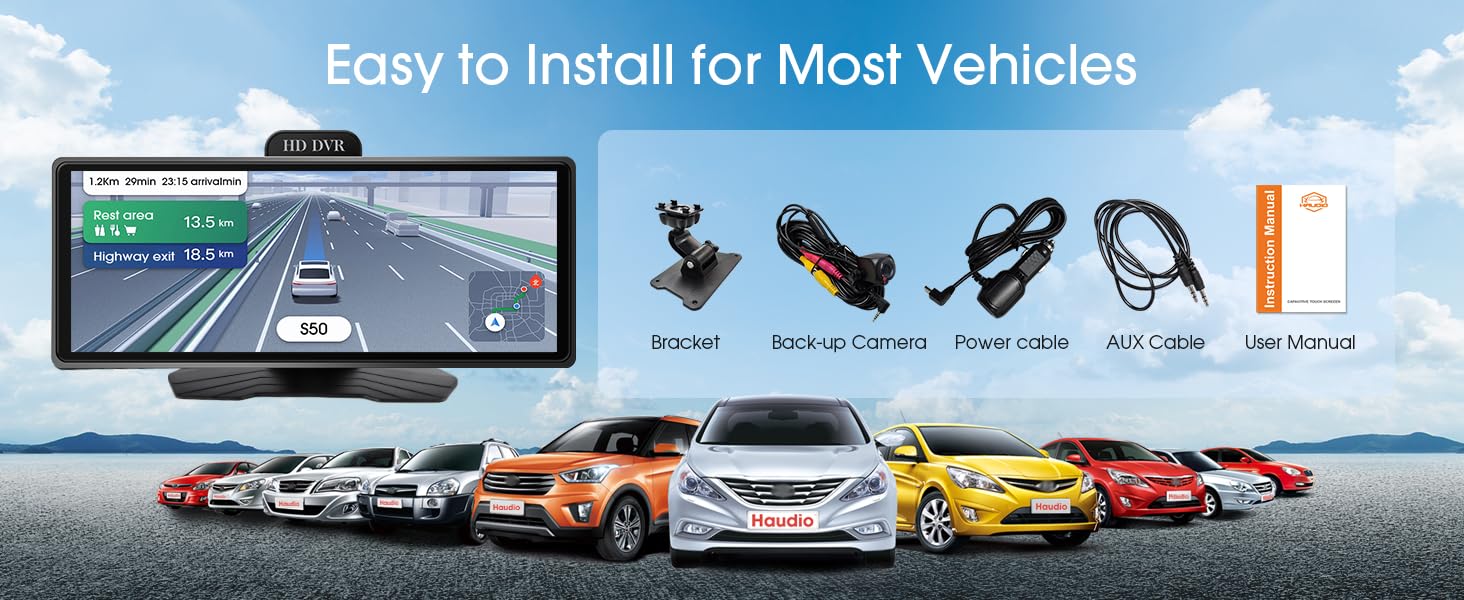
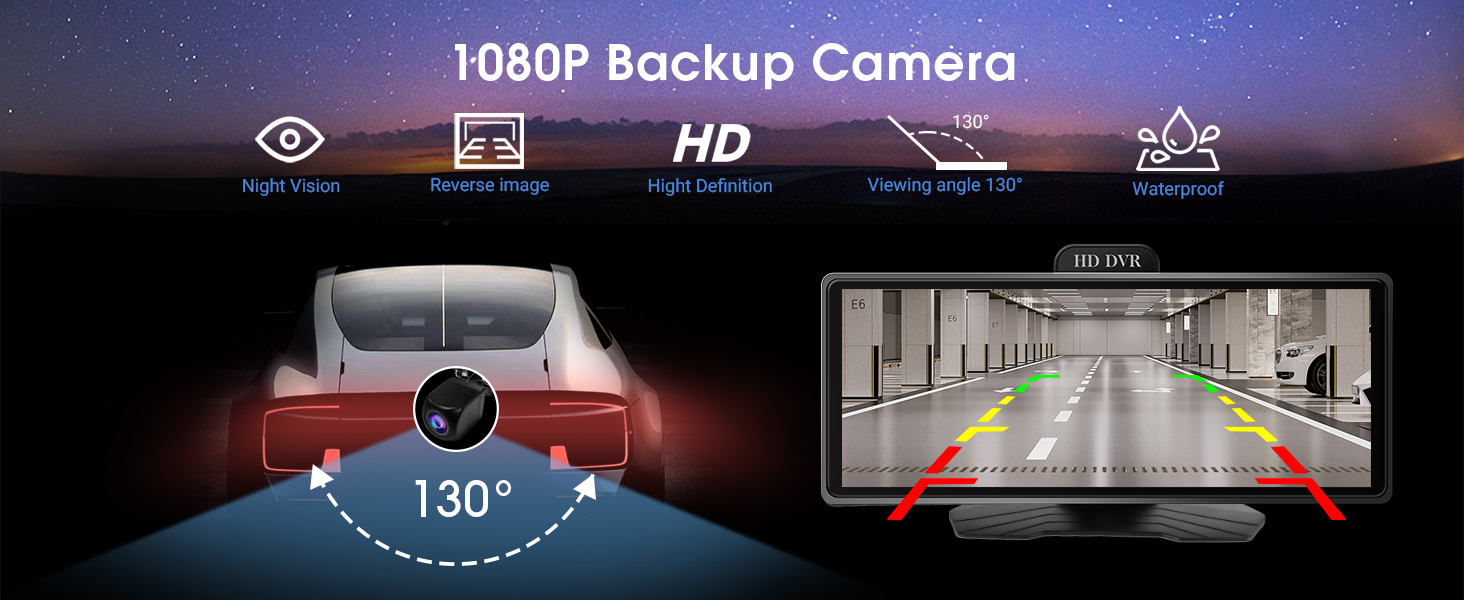
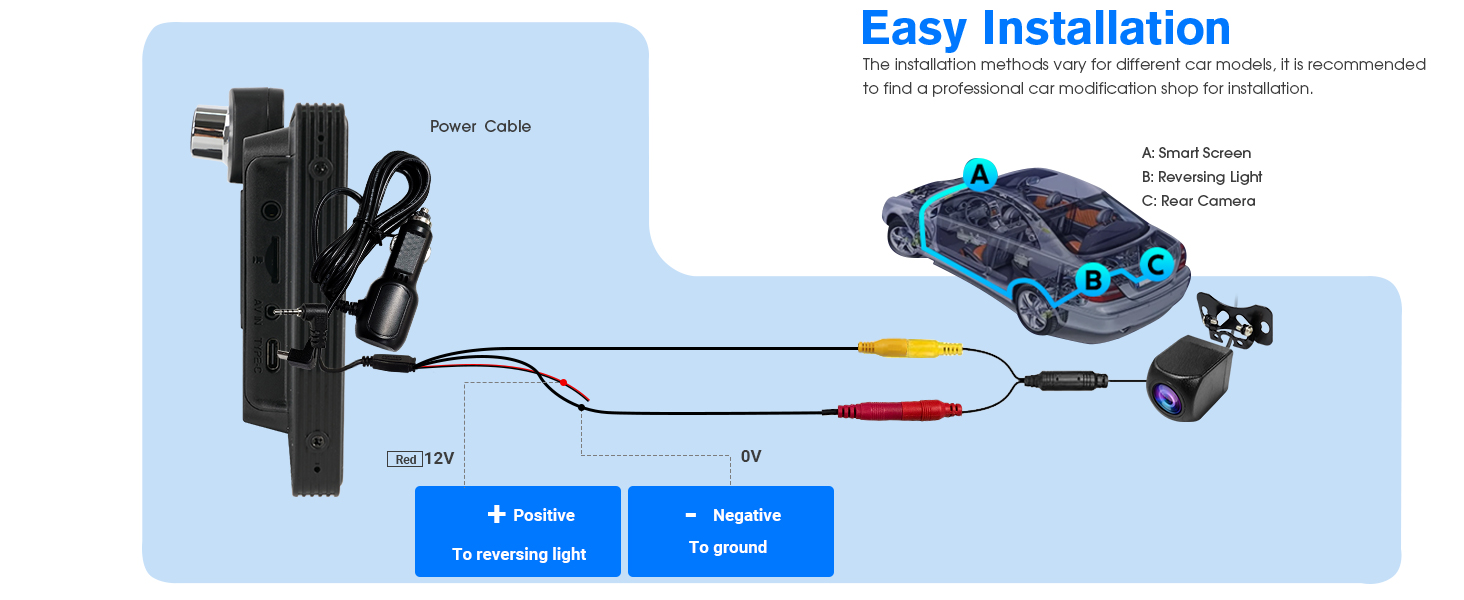
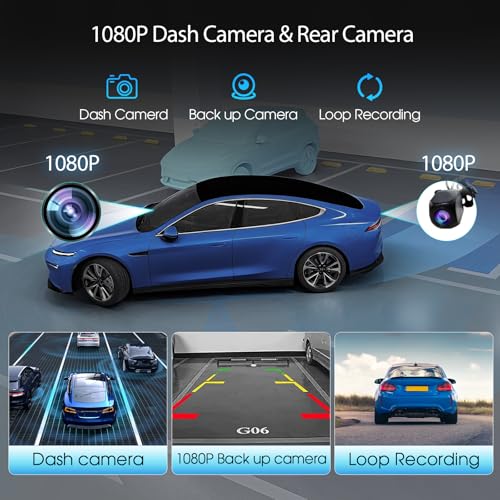
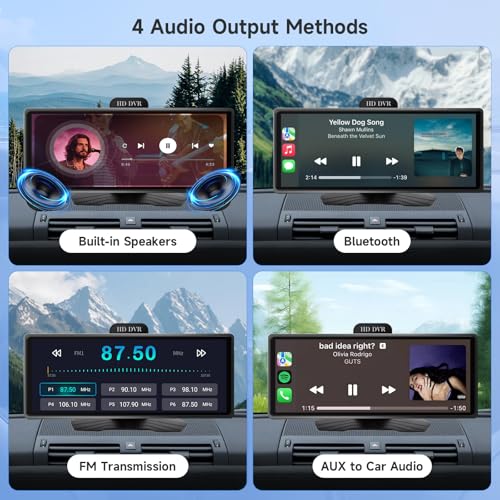
- 【All-in-One Driving Companion】Features built-in 1080p DVR (110° view) to record your journeys and 1080P AHD backup camera (130° view) for safer reversing. The FM transmitter broadcasts audio to your car speakers without wiring. No need to dismantle your dashboard – plug-and-play installation!
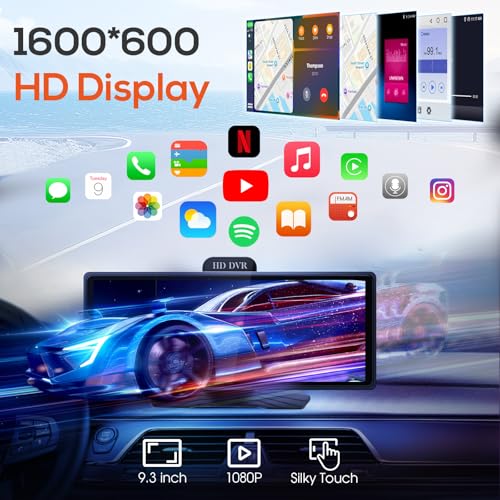
- 【Vibrant 9.26" Touchscreen】The 600*1600 resolution LCD delivers crisp visuals for maps and media. Responsive touch controls make operation intuitive while driving. Melis 3.0 OS ensures smooth performance for all features.
- 【Premium Entertainment Hub】Play videos, music, and photos via USB/SD card. Front and rear cameras provide security and convenience. Perfect for all cars to install. No need to dismantle your dashboard – plug-and-play installation!
- 【Driver-Focused Design】No professional installation needed – works with most vehicles. The slim profile fits seamlessly in your car. SD/TF card slot for expanding storage. Your ultimate car navigation system upgrade!
-

- Carplay Screen for Car
-
- 9.26″ Portable Car Stereo with Wireless Apple Carplay&Android Auto
-
- 1080p Front Camera & Rear Camera
-
- Bluetooth
-
- Voice Control
-
- GPS Navigation
-
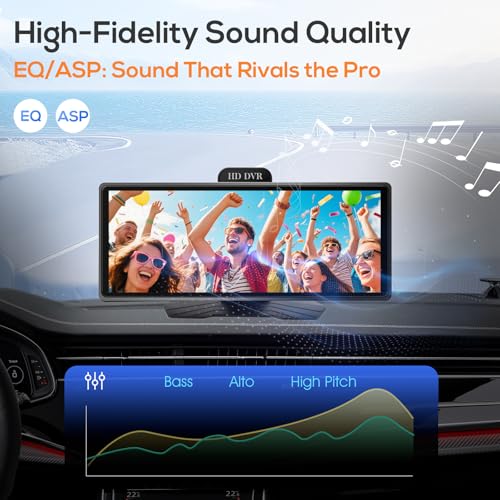
- AUX & FM Transmitte

| SKU: | B0FDF77R8V |
Product Description